How to handle both a “Key Addition” and the more complex “All Keys Lost” situation on a 2024 Ford Bronco Sport using the Xhorse VVDI Key Tool Plus. This article breaks down the step-by-step process, highlights critical troubleshooting, and explains the nuances of this high-tech procedure.
NOTE: It’s a Bronco Sport not Bronco = old system. So NASTF is not required. The level of encryption is the difference. The Bronco is the top of the line for Ford, so naturally it has the highest level of encryption and security and likely won’t be supported through OBD without the proper tool or dealer-level equipment.
Initial Setup and Vehicle Selection
The process begins by powering on the Xhorse VVDI Key Tool Plus and navigating the intuitive menu. For North American models, the path is straightforward:
- Navigate to Programming.
- Select North America as the region.
- Choose Ford as the manufacturer.
- Select the United States market.
- Pick the Bronco model.
- Opt for Keyless Go (21+).
This particular model selection is crucial, as the immobilizer and key-learning protocols for the Keyless Go system are distinctly different from older, keyed ignitions.

The First Attempt: Adding a Key (The Roadblock)
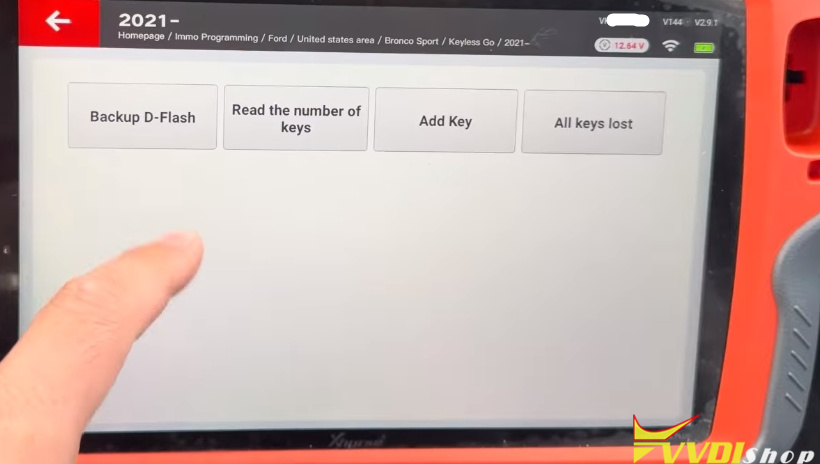
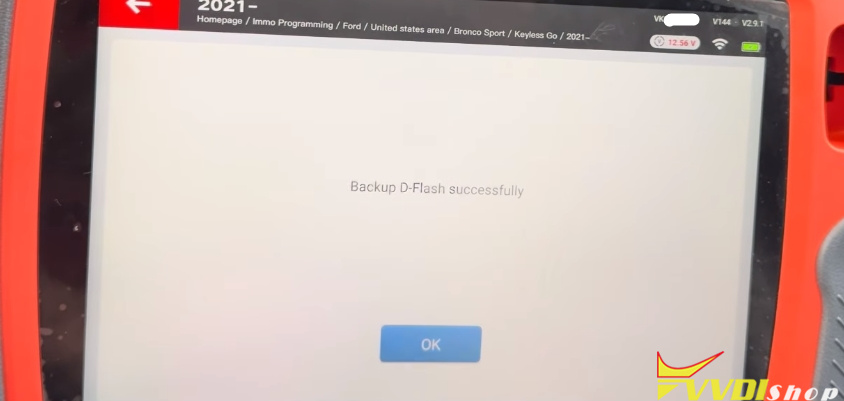
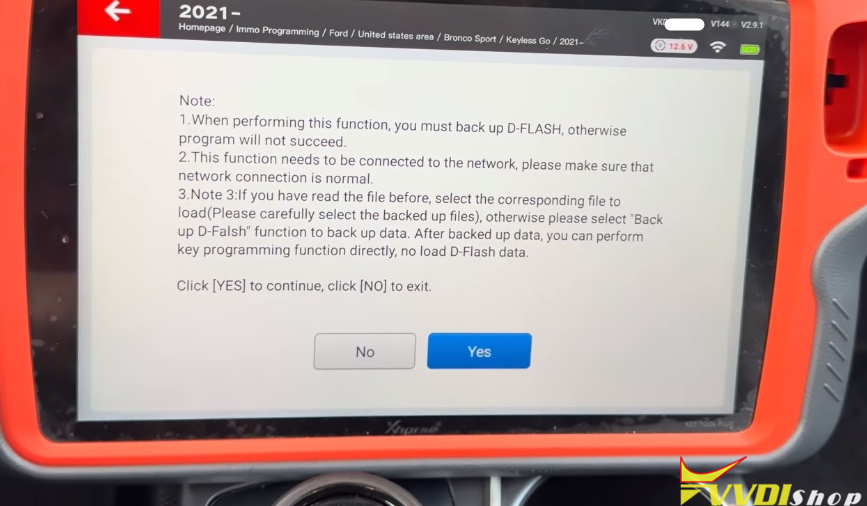
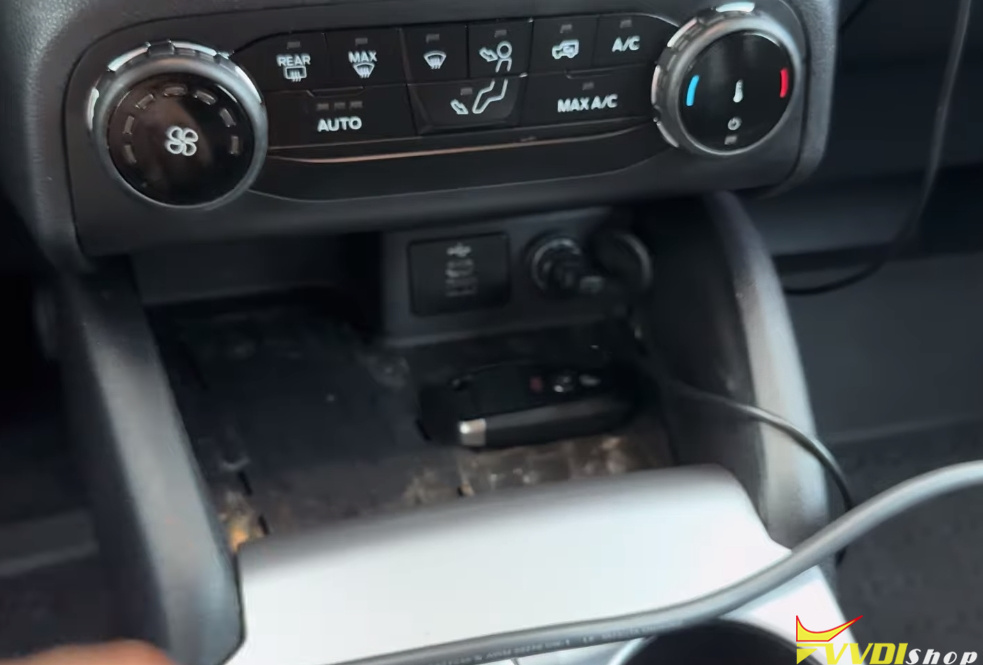
The initial goal was to simply “Add a Key.” The procedure started normally, requiring the locksmith to back up the vehicle’s D-Flash data—a critical safety measure that saves the vehicle’s current immobilizer data. The tool prompted the standard steps: opening and closing the driver’s door and placing the new key in the designated programming slot on the center console.
However, the process hit a significant roadblock. The tool returned an error: “The vehicle maxed the key learning.” This message indicates that the Bronco’s system had reached its limit of stored keys (typically 8-10 keys). The vehicle refused to recognize any additional transponders, effectively blocking the “Add Key” process.


The Solution: Switching to “All Keys Lost”
When the system is full, adding a key is impossible. The only viable workaround is the “All Keys Lost” procedure, which requires the customer to purchase at least two new keys.
The “All Keys Lost” function differs fundamentally because it first clears all existing keys from the vehicle’s memory. This erases the immobilizer’s allowance for all previous keys, creating a clean slate. Once the system shows “0 keys,” the locksmith can then program the new keys as if they were the vehicle’s original set.

Step-by-Step: The All-Keys-Lost Procedure
Backup the D-Flash: As in the addition process, the first mandatory step is backing up the vehicle’s D-Flash data. This is a safety net that allows the locksmith to restore the original system if any errors occur. The file was saved by date and time, a professional best practice to avoid confusion.
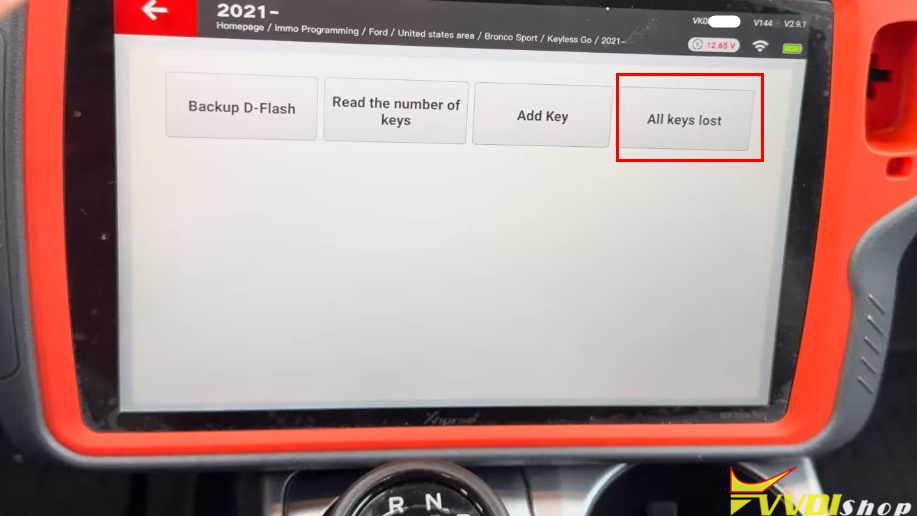
Initiate “All Keys Lost”: The locksmith selected the “All Keys Lost” option from the menu. The tool then accessed the system, read the vehicle information, and confirmed successful communication.
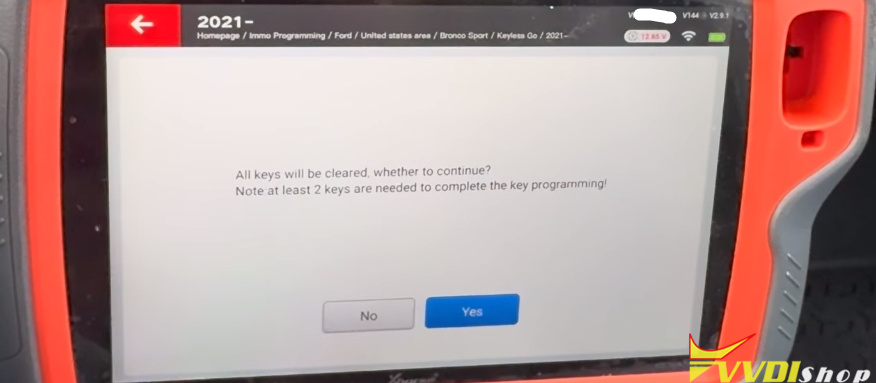
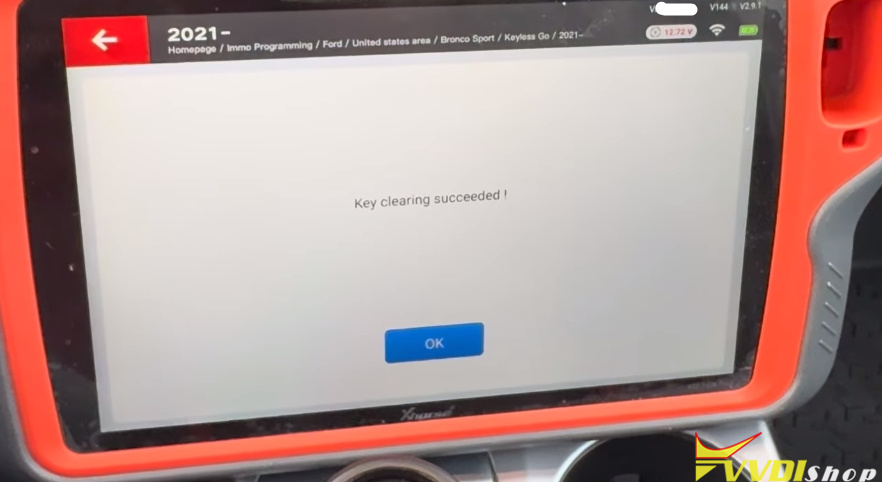
Erase Existing Keys: The tool prompted the question: “Do you want to clear all keys?” The locksmith confirmed. The system then executed the command, successfully wiping the vehicle’s memory of all previous key authorizations.
Program the First Key: The first new key was placed in the slot. The instruction was simple: hold the “Push to Start” button for 2–3 seconds until the door locks cycled (locked and unlocked). This action synced the first key to the vehicle. The locksmith notes that the tool’s job is finished here; the rest relies on the vehicle’s own programming sequence.
Program the Second Key: The first key was removed, and the second key was placed in the slot. The same step was repeated: holding the “Push to Start” button until the door locks cycled. The locksmith confirmed hearing the audible “click” of the door cycle.




Verification and Completion
After programming both keys, the tool displayed “Job Completed.” To confirm success, the locksmith checked the system to verify that two keys were now stored in the vehicle’s memory. Finally, he started the engine with both new keys, confirming that the transponder chips and remote functions were working perfectly.
Crucial Tips
Internet Stability: A stable, high-speed internet connection is vital during the D-Flash reading process. The Xhorse tool relies on cloud servers for data decryption and key generation, so poor connectivity can cause the procedure to fail.
Patience is Key: While the tool guides the process, understanding the vehicle’s behaviors—like the door lock cycle—is essential for timing the physical programming steps correctly.
Conclusion
The 2024 Ford Bronco presents a unique challenge in all-keys-lost situations, primarily due to the limited key memory of its Keyless Go system. The Xhorse Key Tool Plus provides a robust solution, enabling locksmiths to bypass the “max key” error by wiping the system and reprogramming fresh keys. This demonstration serves as a valuable guide for locksmiths, highlighting the importance of backing up data, following exact vehicle prompts, and understanding the critical difference between simply adding a key and performing a full reset.
www.vvdishop.com
Comments
Post a Comment