Xhorse Key Tool Plus Adds VAG 5C 5D Function

Good news! Xhorse VVDI Key Tool Plus VAG MQB49/5C and 5C add key function is ready.


Function:

Add key via reading original key data.


Compatible device:

Xhorse VVDI Key Tool Plus (only key tool plus does this at present)

RH850 MQB adapter for key tool plus

MQB license activation


What key to be used:

5C: Xhorse XS smart remote or original key

5D: OEM key only


Update IMMO database to V142 and PROG database to V187 and newer to update VAG 5C and 5D function.

Xhorse Key Tool Plus Adds VAG 5C 5D Function 1

Menu path: IMMO Programming- VW- Select by type- MQB instrument- read key to obtain data – MQB49 (5C) key disassembly reading or MQB49 (5D) key dismantling and reading.

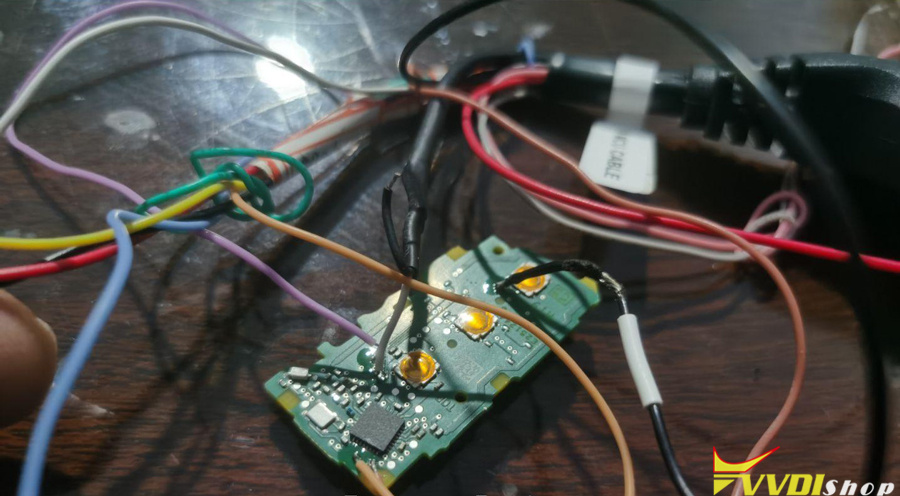
Xhorse Key Tool Plus Adds VAG 5C 5D Function 2Xhorse Key Tool Plus Adds VAG 5C 5D Function 3

Xhorse Key Tool Plus Adds VAG 5C 5D Function 4

Main steps:

Read original key data

Generate dealer key by uploading key file.

Learn key

For some 2023+ models you may also need to unlock SFD gateway before learning key in car.


NOTE:

You will see CS and PIN when uploading key data file.

Xhorse will release solder free adapter for MQB49 5C and 5D soon.

Comments

Popular posts from this blog

How to Add Key 2019 VW POLO MQB49/5C by Xhorse VVDI Key Tool Plus

  Today 2019 VW POLO MQB49/5C add key success. Used   Xhorse vvdi key tool plus pad   for the whole process. Add key mqb platform (Johnson cluster and new MQB49/5C type on key tool plus are online. Read data with pad, then sent it for online calculation (cost  1 token  – must be charged before). You have to use a token to add a spare key from working key. After 3 minutes I got immo data file which automatically saved into the device. After that you make dealer key (used  Xhorse proxy MQB  style) and program to the car as usual. Test report from Mr.  Hrdina. 

Will VVDI Key Tool Plus Program VAG MQB49 Key

  How to program VAG MQB49 key with   xhorse vvdi key tool plus ? This is a frequently asked question. Here’s the clue. Only  Johnson Control instrument is supported by  xhorse . Xhorse key tool plus or vvdi2 will only add key to MQB49 (still need sync data), they cannot do MQB49 all keys lost. 1. Calculate immo data online Try to read immo data with key tool plus, if failed to read immo data (shown as error image below). You need to obtain sync data from 3rd party. 2 Check immo status Display the number of vehicle keys, whether current key is locked and whether is dealer key and other information   3. Generate dealer key Load immo data file to generate dealer key, support generate normal dealer key and OME key (online)   4. Leanr key Learn the new generated key and original key into the car together, keys that are not learned will not be able to start the car.   5. Modify MQB49 key ID

Read MQB48 RH850 RF701401 Dash by VVDI Key Tool Plus

  Another   Xhorse RH850 adapter   tutorial: how to read VAG MQB NEC35XX RH850 DF701401 dashboard with   xhorse vvdi key tool plus   and RH850 cable. Procedure: Select Immo Programming>>VW>>Select by Type>>MQB Immo System>>Dashboard-MQB48 (VDO/JCI-NEC35XX Locked)-> Read NEC35XX Chip>>Soldering>>R7F701401 Check wiring diagram Remove components and solder  rh850 cable  with cluster Connect rh850 cable with key tool plus Read and save immo data Select  Get Immo data Upload rh850 DF702401 data save above to calculate immo data Then save immo data Now you can generate dealer key or learn key with the immo data   www.vvdishop.com