Learn how to clone BMW BDC2, BDC3, BCP keys using Xhorse VVDI Key Tool Plus and dedicated BDC2 BDC3 adapters. This method allows for direct key cloning without OBDII programming, supporting both encrypted and non-encrypted original keys.

Compatible Devices & System Support
Before starting, ensure your hardware supports the specific key type:
- Encrypted & Non-Encrypted Keys: Supported by VVDI Key Tool Plus and Multi-Prog.
- Non-Encrypted Keys Only: Supported by Key Tool Max/Max Pro, Mini Key Tool, and VVDI Prog.
- Vehicle Systems: BMW BDC2, BDC3, BCP, and U-chassis.

Step 1: Remote Generation
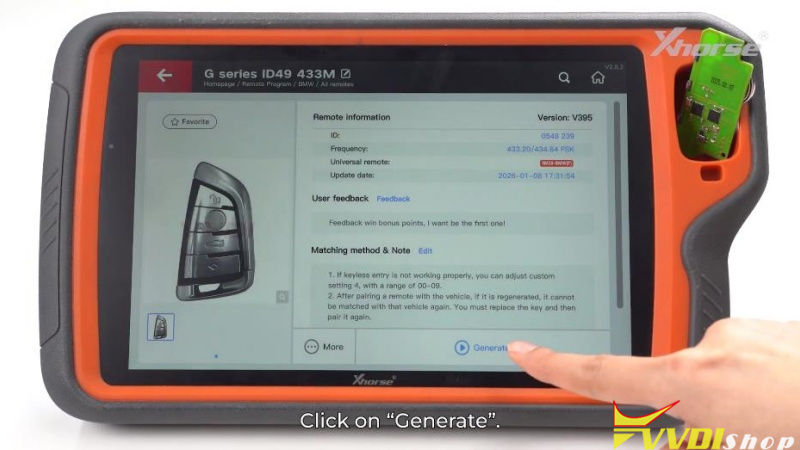
You must prepare the Xhorse dedicated remote before attempting to clone the data.
- Open the Remote Program menu on your device.
- Select the corresponding BMW vehicle option.
- Click Generate and wait for the process to complete.

Step 2: Hardware Installation
There are two main methods for connecting the adapter to the key PCB:
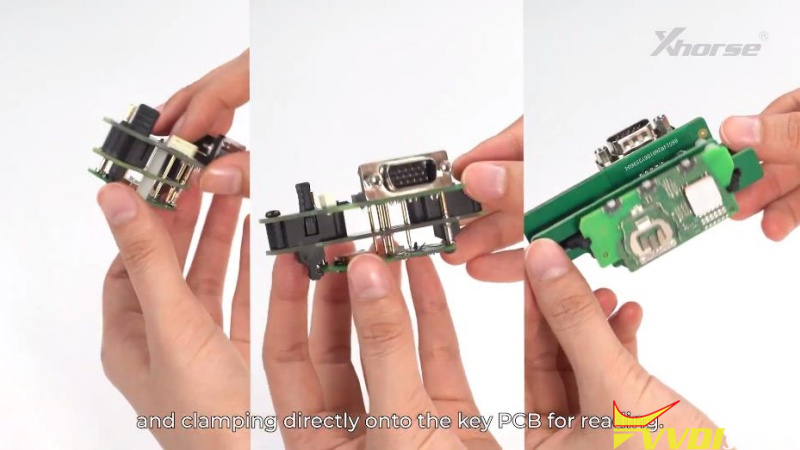
Method A: PCB Clamping (For most U-type and Square/Long types)
- Open the original key shell to access the PCB.
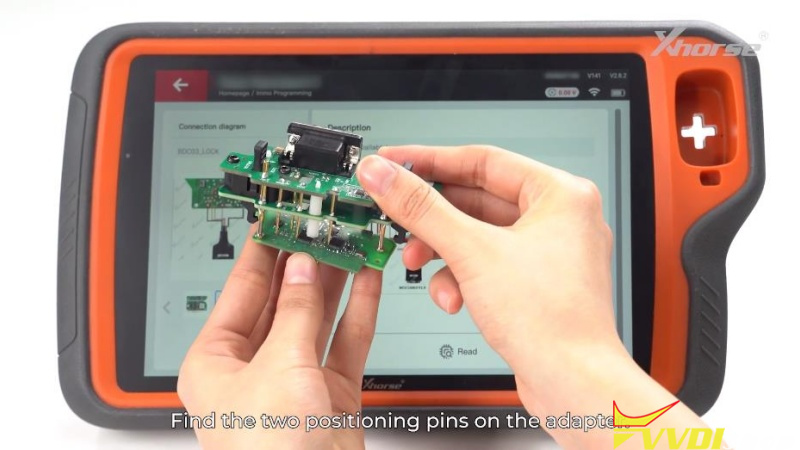
- Align the positioning pins on the adapter with the corresponding holes on the key PCB.
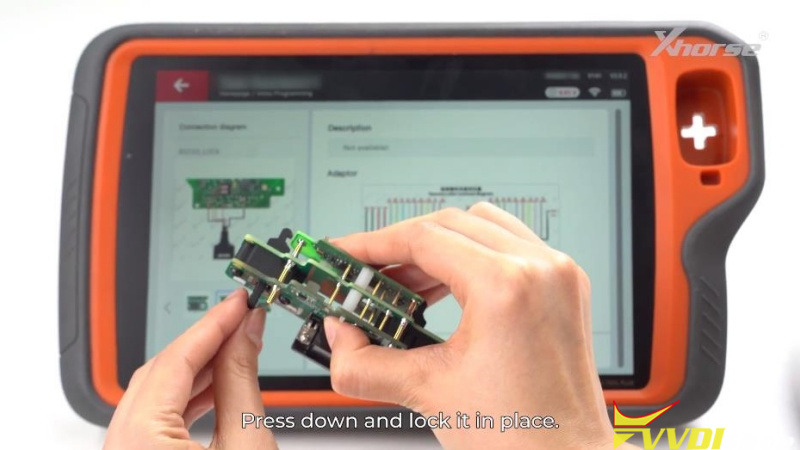
- Press down and lock the adapter firmly in place.


Method B: Shell Clamping (No disassembly required)
- For specific adapters, clamp directly onto the key shell.
- Ensure the MSD and MSCL pins on the adapter align with the two contact points on the PCB.


Step 3: Reading & Saving Data
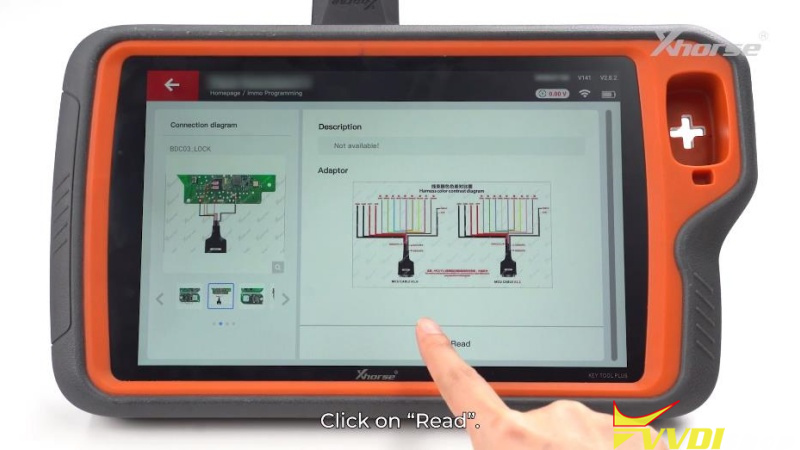
- Connect the adapter to your Key Tool Plus (or compatible device) using the DB15 cable.
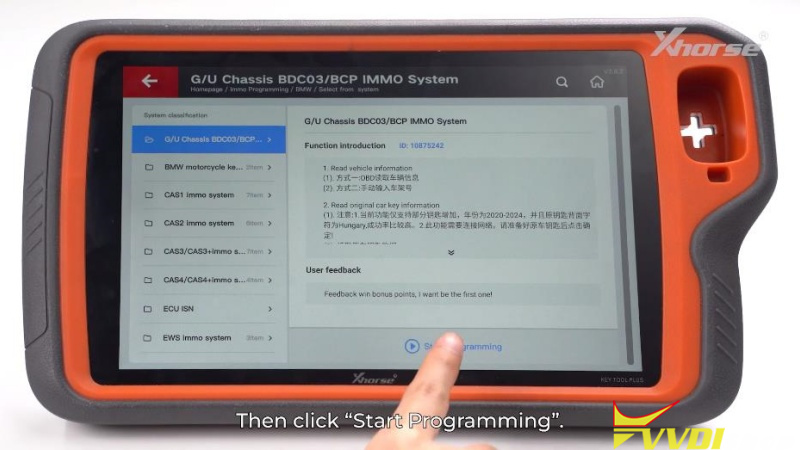
- Navigate to Programming > BMW > Select from System> G/U Chassis BDC03/BCP IMMO System > Start programming >Read original car key information.
- Follow the prompts, once the read is successful, save the data file.


Step 4: Key Cloning (Make Dealer Key)
- Remove the adapter and the original key.
- Select the Make Dealer Key option in the software.
- Place the previously generated VVDI BMW Dedicated Remote into the device’s detection coil.
- Click OK to begin the cloning process.
Conclusion
Once the “Clone successful” message appears, the new key is ready for immediate use in the vehicle. No OBDII programming or further synchronization is required.


Comments
Post a Comment