In this real customer case, we walk through the process of programming keys for a 2022 Renault Kwid using the Xhorse VVDI KEY TOOL PLUS. This guide provides an accurate, step-by-step breakdown of the procedure based on the actual workshop footage.
Overview
The vehicle in question is a 2022 Renault Kwid. The technician uses the KEY TOOL PLUS diagnostic and programming device to add new keys to the vehicle’s immobilizer system. The process involves reading the vehicle’s PIN code, programming new keys, and verifying the total number of keys registered.
Step 1: Accessing the Programming Menu
Navigate to the Programming function on the KEY TOOL PLUS device.
From the vehicle brand list, select Renault.
Choose the model generation and then locate Kwid from the list.
Step 2: Selecting the Key Type
The device displays several key options. For this vehicle, the technician selects:
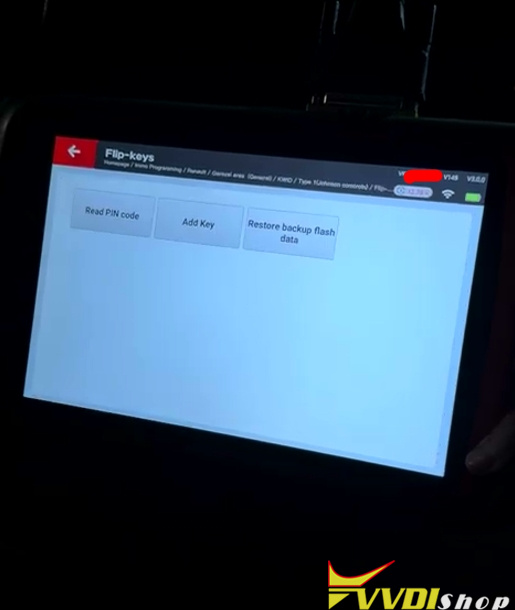
- Type 1: Johnson Controls
- Flip keys
- Then proceeds to start programming.


Step 3: Reading the PIN Code
Select the option to read the PIN code.
The device prompts: “Switch on” – turn the ignition on.
Followed by: “Off” – turn the ignition off.
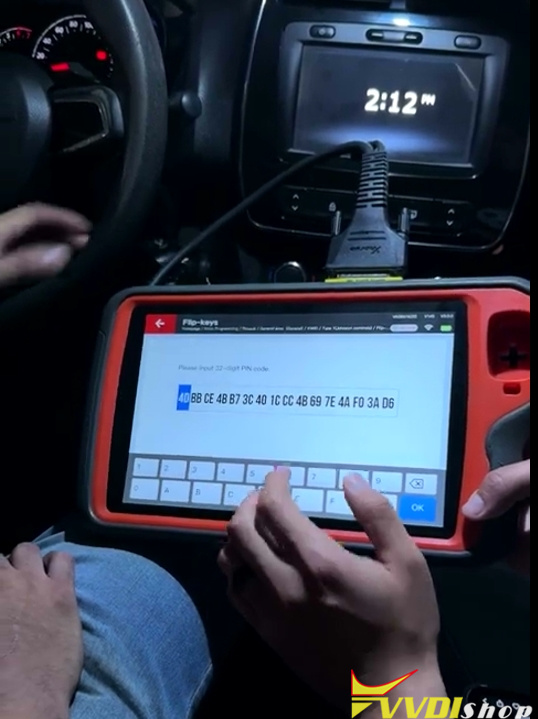
The Key tool Plus then generates a 32-digit security code (PIN). This code is required to add new keys to the system.
Important: The technician advises taking a photo of this code to avoid forgetting it.


Step 4: Adding New Keys
Select “Add keys” from the menu.
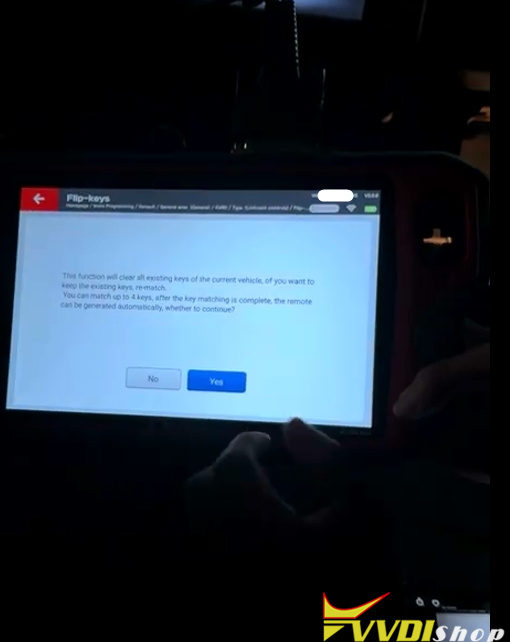
The device warns that this function will erase all existing keys and reprogram them. Confirm by selecting “Yes”.
Follow the on-screen prompts:
“Switch on” – turn ignition on.
“Switch off” – turn ignition off.
The device asks for the number of keys to program. In this case, the total is two keys. Confirm by pressing “Okay”.

Step 5: Verifying the Security Code
The technician notes that the 32-digit code displayed on the Key Tool Plus screen matches the PIN code read earlier. This verification confirms that the code is correct. Press “Okay” to proceed.

Step 6: Programming the First Key
Insert the first key into the ignition.
The device prompts: “Switch on” – turn ignition on.
Press “Okay”.
The first key is now successfully programmed.

Step 7: Programming the Second Key
Remove the first key from the ignition.
Insert the second key.
Turn the ignition on (“Switch on”).
Press “Okay”.
The second key is now programmed.
Step 8: Completing the Process
Since only two keys are being programmed:
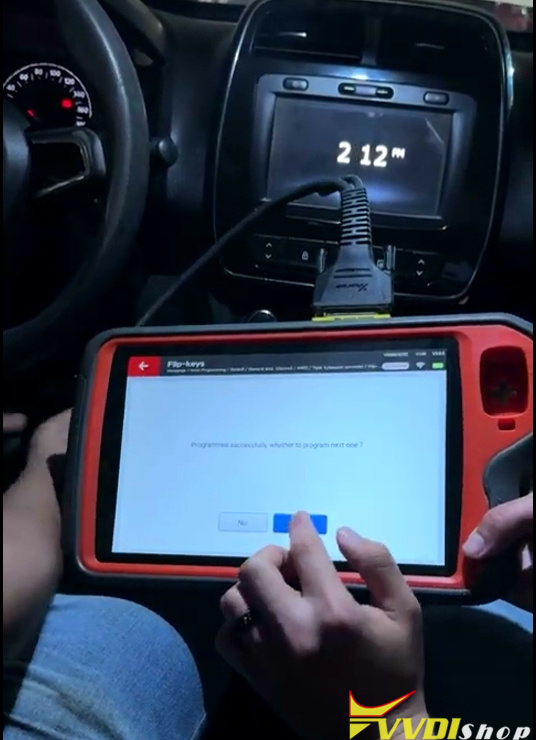
When the device asks if additional keys need to be added, select “No”.
Turn the ignition off (“Switch off”).
The device confirms the total number of programmed keys: 2.
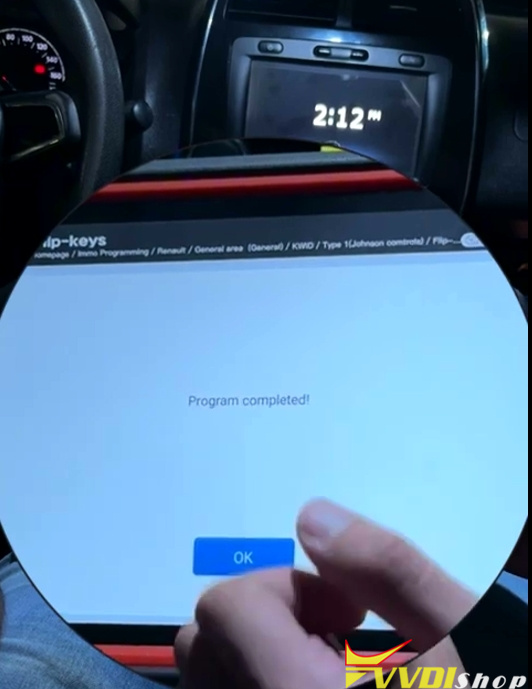
The final message appears: “Programming complete”.

Step 9: Testing
The final step is to test each key to ensure it starts the vehicle and operates properly.
Key Takeaways
- The KEY TOOL PLUS provides a reliable method for programming Renault Kwid keys.
- Always record the 32-digit PIN code as it is essential for the programming process.
- The process erases all previously registered keys, so all existing keys must be reprogrammed at the same time.
- The total number of keys must be confirmed during the procedure.
Important Notes
This procedure is based on a 2022 Renault Kwid with a Johnson Controls flip key system.
The steps may vary slightly for other model years or key types.
Comments
Post a Comment