Recently, we had the opportunity to work on a 2025 Toyota Camry to add a new 4A smart key. This was our first time using a combination of the Xhorse Key Tool Plus and the Godiag IM001 4A key unlock Emulator, and the process proved to be both insightful and successful. Below, we break down the step-by-step procedure, challenges encountered, and the final outcome.
Initial Setup and Equipment
We began by connecting the necessary cables to the vehicle’s ECU (Engine Control Unit). For this job, we relied on:
- Xhorse VVDI Key Tool Plus – a versatile, multi-functional key programming device.
- Godiag IM001– used for key registration and data writing.
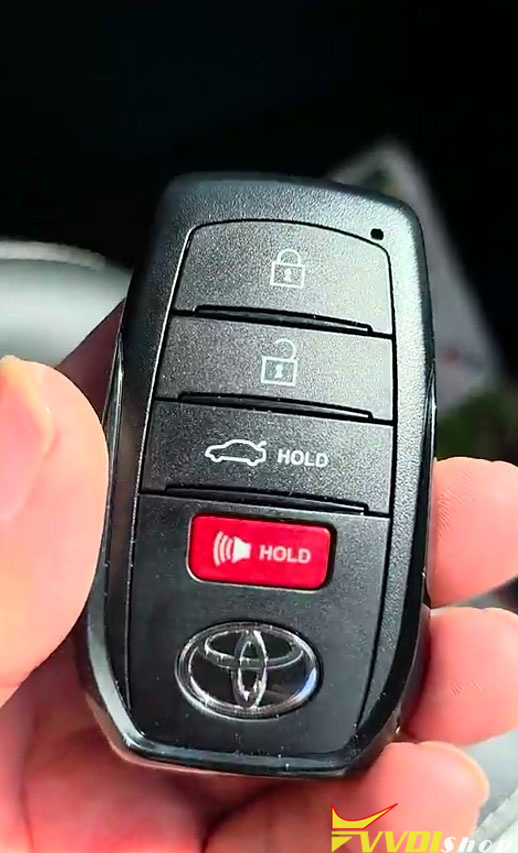
- A new 4A smart key – the target key to be added to the vehicle.

Reading the ECU Data
The first critical step was to read the immobilizer data from the ECU. We attempted to read the data using two other popular tools:
IATA 360 – no success.
Autel – also failed to read the data.
However, the Xhorse Key Tool Plus successfully read the ECU data without any issues. This was a promising start and confirmed that the tool was compatible with the 2025 Camry’s security system.

Key Registration Process
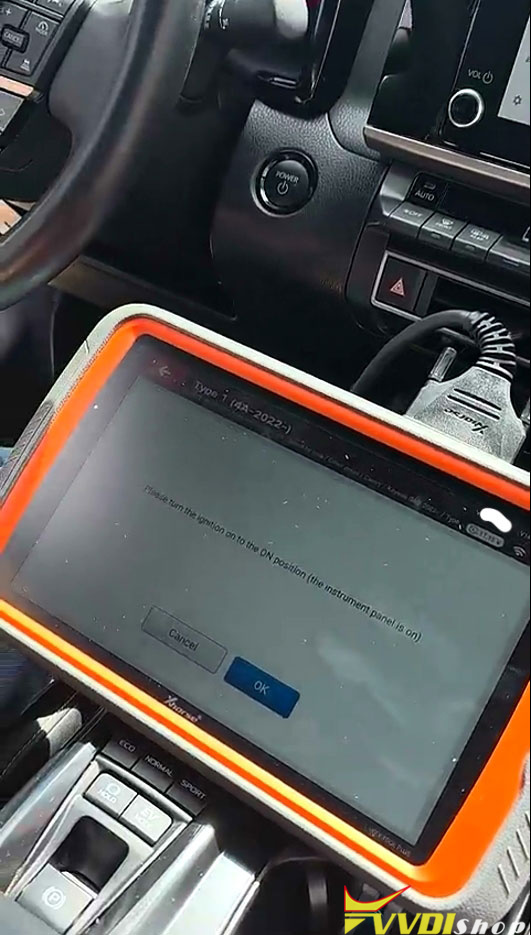
With the data successfully extracted, we moved on to the key registration phase. The ignition was turned on, and we loaded the read file into the Godiag Emulator interface.
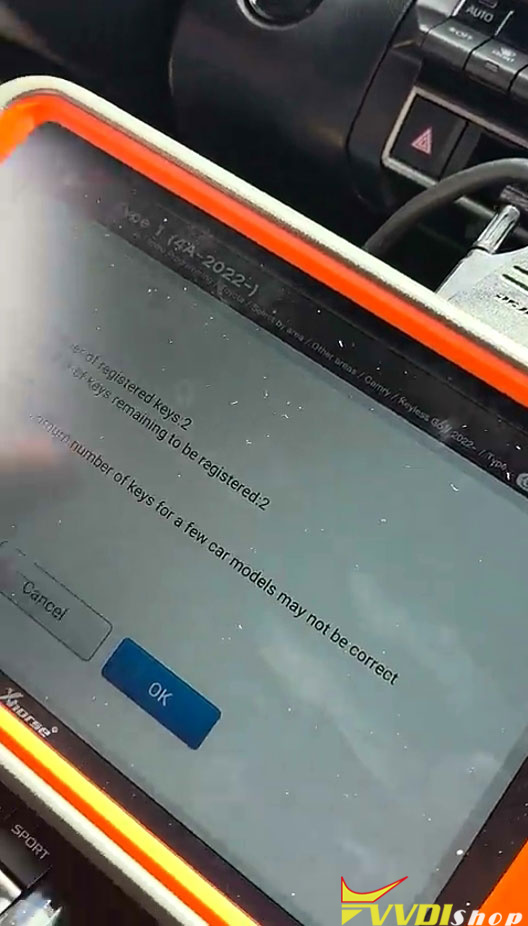
We registered the first key without any complications.
Next, we proceeded to add the new key. The sensor was placed in the designated area near the ignition/steering column, and the system recognized it immediately.
The registration was smooth, and the device displayed “Programming Success” – a clear indication that the key was being accepted by the vehicle’s system.


Updating the Key Data
After successful registration, we moved to the update stage. The system displayed:
“Updating Key”
Followed by: “Key Data Successful. Please test the key function working. Programming is completed.”
At this point, the new key had been fully written and stored in the ECU’s memory.


Functionality Test
To verify the success of the procedure:
We turned off the ignition.
- Tested the new key – it started the vehicle and operated all functions normally.
- Tested the original key – it also worked perfectly, confirming that no existing keys were overwritten or lost.
Both keys functioned as expected, and the vehicle responded without any errors.
Key Takeaways
The Xhorse Key Tool Plus proved to be a reliable and effective tool for reading ECU data on a 2025 Toyota Camry, especially when other tools failed.
The Godiag Emulator worked seamlessly for key registration and data updating.
The entire process was efficient, with clear on-screen prompts guiding each step.
This method preserved the original key while successfully adding a new one.
www.vvdishop.com
Comments
Post a Comment